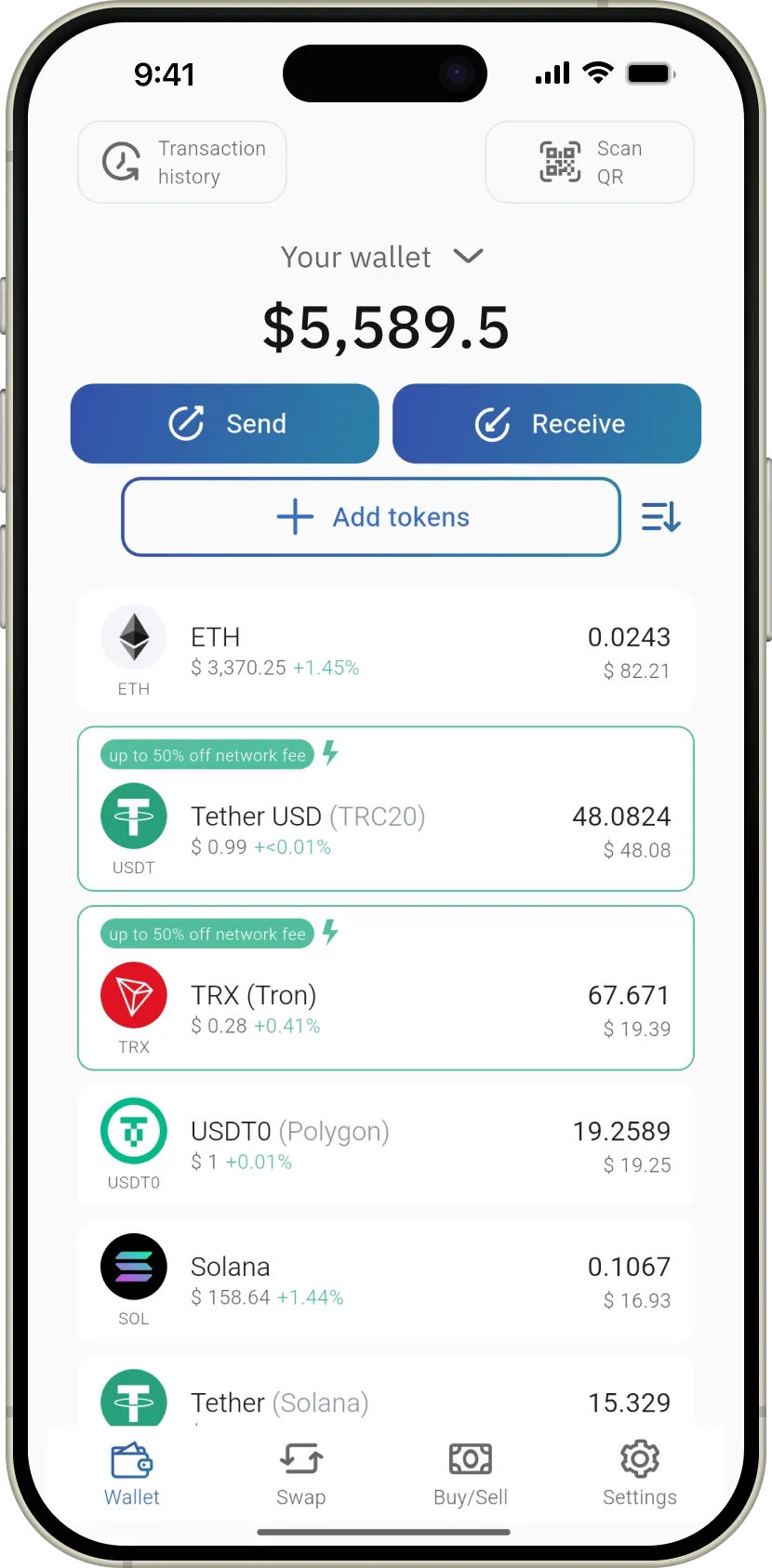
iReviews.net is a self-custody crypto wallet app that lets you store, send, receive, and swap digital assets. Your seed phrase stays on your device and is never sent to us or any third party.
A self-custody wallet can be software or hardware based. It gives you direct control over your private keys (seed phrase), which can be stored on your device or on secure external media like USB, Bluetooth, or NFC tools.
It is generally very secure because you approve transactions yourself and keep control of your keys. It does not depend on exchange custody, typically avoids KYC requirements, and connects directly to blockchain networks.
A seed phrase is a 12-word recovery key for your wallet. It restores access if your phone is lost or reset. Keep it private and offline, because anyone with this phrase can control your funds.
Open iReviews.net, go to "Settings" -> "Wallets", then tap "Add new wallet" and choose "Create new wallet". You can create multiple wallets, but always back up each seed phrase safely.
Yes. There is no fixed wallet limit. In the "Wallets" section, tap "Add new wallet" to create a new one or import an existing wallet.
- Never share your seed phrase
- Avoid storing the phrase in exposed digital notes
- Do not send your phrase to anyone, including support
- Use a PIN/passcode to protect local access
- Back up your wallet and keep recovery data offline
- Stay alert to common phishing and scam tactics
- Avoid storing the phrase in exposed digital notes
- Do not send your phrase to anyone, including support
- Use a PIN/passcode to protect local access
- Back up your wallet and keep recovery data offline
- Stay alert to common phishing and scam tactics
In iReviews.net, tap "Receive" and choose the asset. You can then copy the address or share the QR code with the sender.
From the home screen, tap "Receive", select the coin or token, then share the shown address or QR code. The sender can use that information to transfer funds to you.
Buy a replacement iReviews.net NFC secure card from an official seller, then restore your wallet using your saved seed phrase. Without the seed phrase, recovery is not possible.
Go to "Settings" -> "Wallets" -> "Add new wallet", then select "I already have a wallet". Enter a wallet name and your 12-word recovery phrase (you can use paste).
Network fees are blockchain transaction costs. They change based on current network activity. You can estimate current costs using our fee tools on the site.
Before deleting any wallet, confirm your seed phrase backup is safe. Then open "Settings" -> "Wallets" and choose delete. To restore later, import the same wallet with its seed phrase.
Open the iReviews.net app and go to "Settings" -> "Support". Our team is available around the clock.